Bringing a 2013 27-inch iMac Back for 2026
Before I started, I’ll be honest: I thought the 2013 27-inch iMac sitting in the house was done — “no way this is still usable, I just have to replace it.” It’s a 13-year-old computer, so fair enough.
But before buying a new Mac, I decided to try once: how far can this thing go with current tools?
The short version — I’m writing this post on that iMac.
On Catalina it had genuinely become painful
I’d stayed on macOS Catalina for a long time, and Chrome and Canva got heavier every year. A few tabs and it lagged; small edits in Canva had noticeable waits. The clincher: the latest Chrome and Suno wouldn’t even install anymore. Forget slow — they just wouldn’t go on. The OS was out of support and I couldn’t comfortably use a browser.
Upgrading to Sonoma with OpenCore Legacy Patcher
This generation is off Apple’s supported list, but with OpenCore Legacy Patcher (OCLP) you can apparently run a macOS version it shouldn’t take. I’d heard this but was skeptical.
The upgrade itself completed fine. Right after, though, there was some stutter I hadn’t had before — not dramatically slower, but not something I’d call smooth. That worried me a little. Maybe this was a stretch after all.
Checking the actual load
Rather than judge by feel, I opened Activity Monitor and looked at CPU, SSD and memory. Memory was under constant pressure. 8 GB just wasn’t enough for Sonoma plus everyday apps. Knowing the cause was a relief — nothing was broken, it was simply short on RAM.
8 GB to 24 GB
The job isn’t hard, but I hit a snag: right after seating the new RAM, the iMac wouldn’t start at all. Power came on, nothing on screen. There it is — I knew this wouldn’t work.
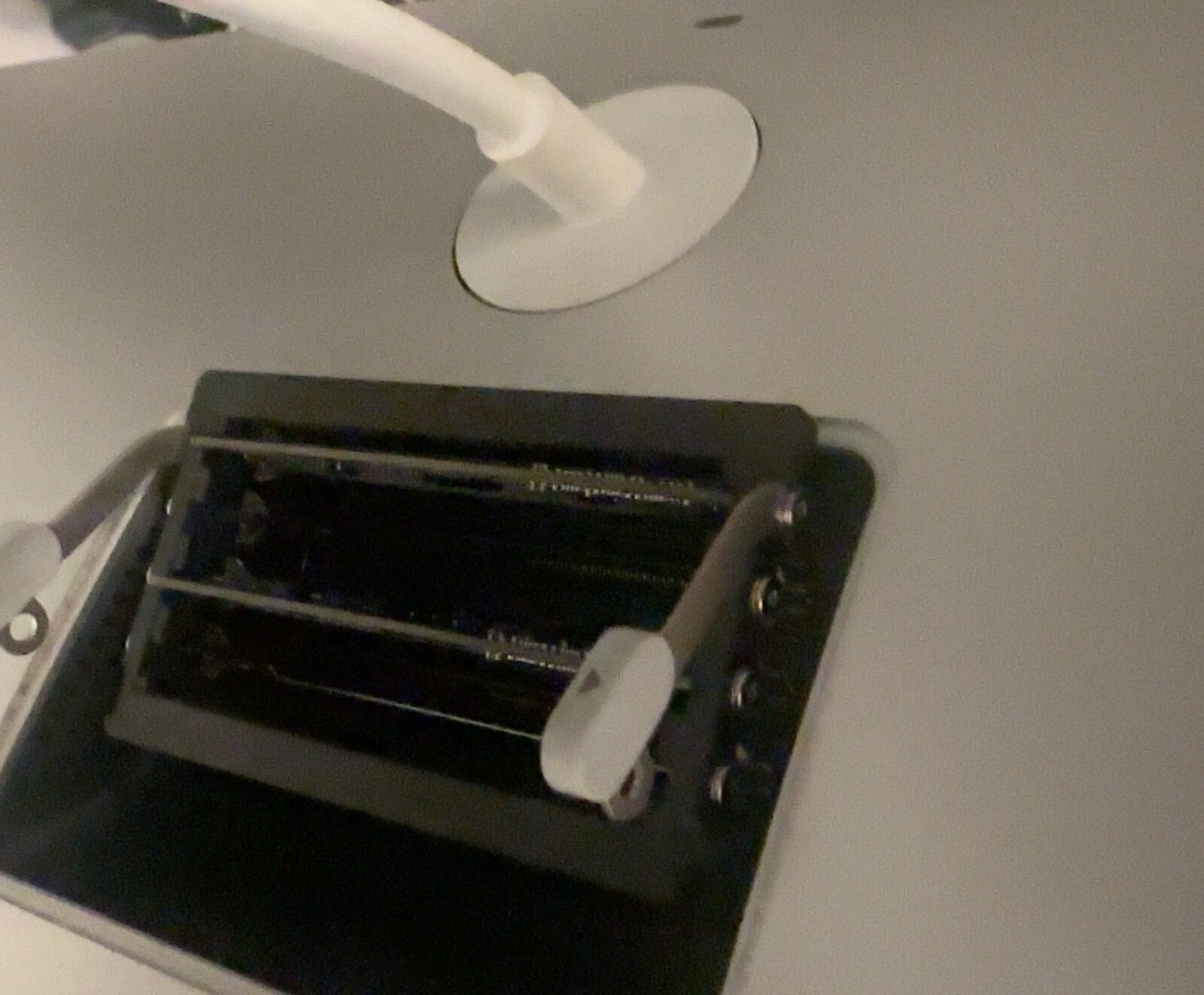
I pulled the RAM out and it booted normally — so it was a bad seat. I pushed the modules in again, firmly, all the way, and this time it started and read as 24 GB. Real relief in that moment.
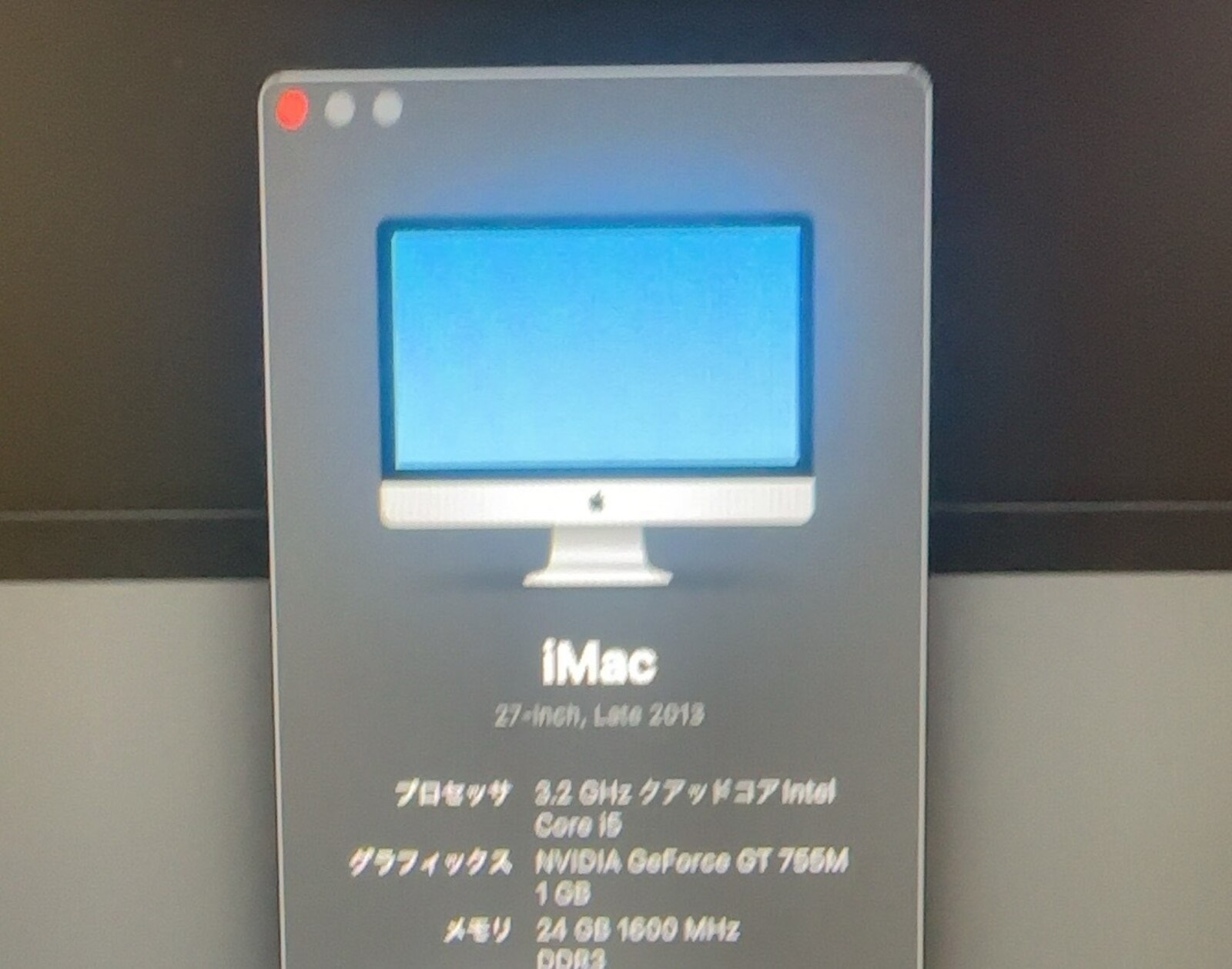
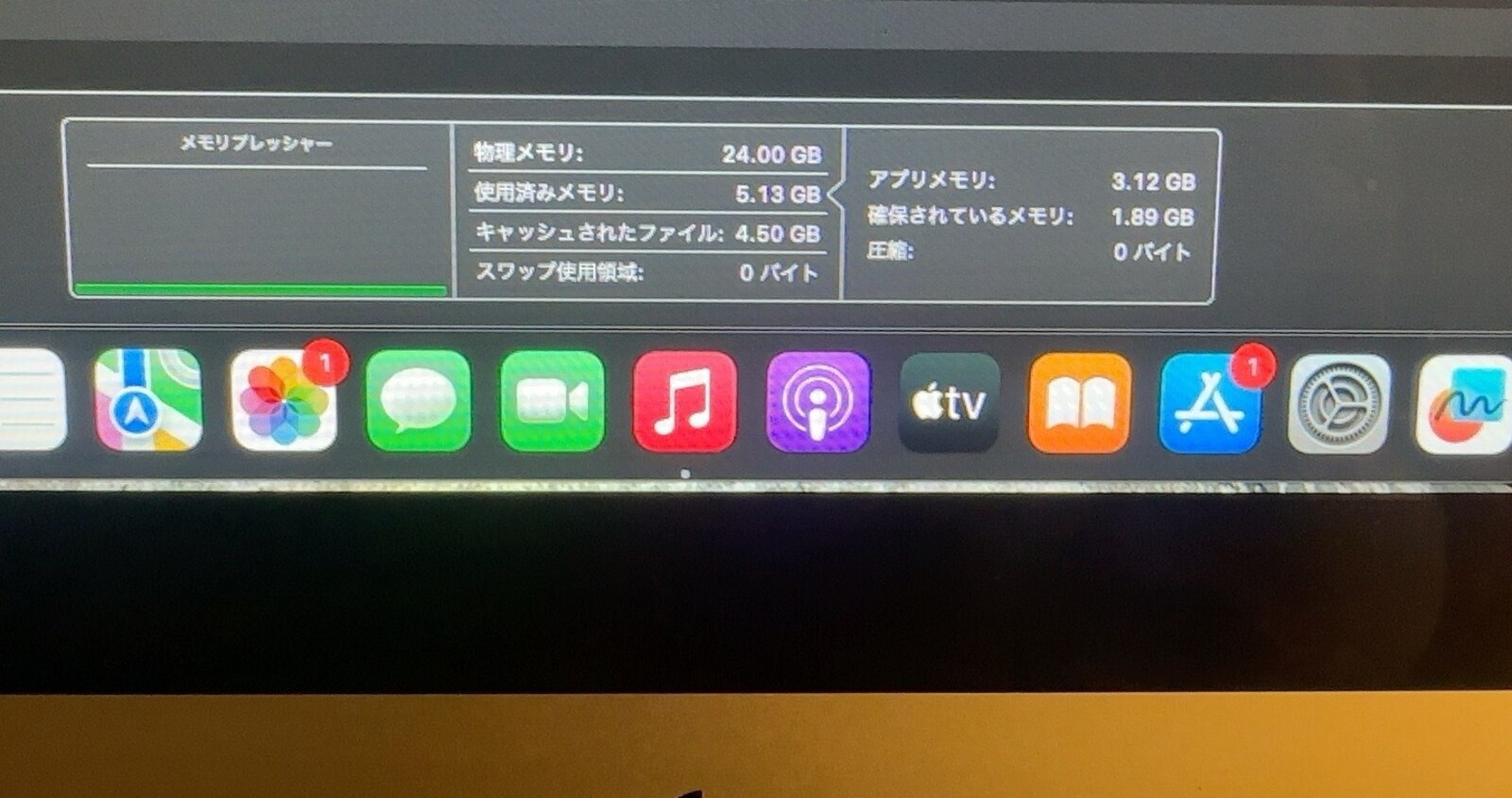
Back in Activity Monitor: memory pressure green, compression 0, swap 0. The strain I’d felt before was gone.
Adding a second monitor
The 27-inch screen alone was plenty, but I wanted more space, so — while I was at it — I added an external monitor. The iMac outputs Mini DisplayPort (Thunderbolt); the Acer monitor takes HDMI, so I bought a Mini DisplayPort–to–HDMI cable.
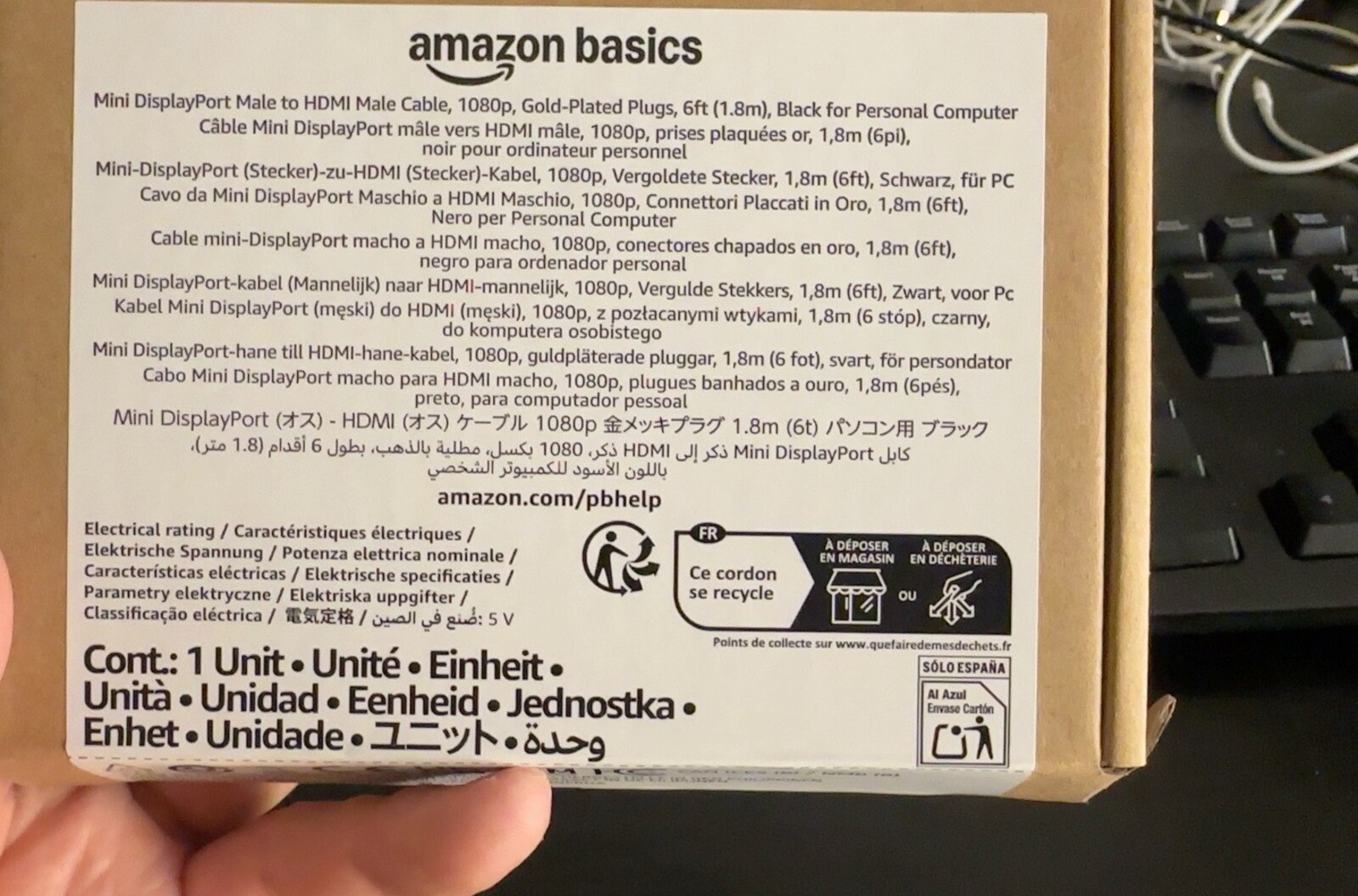
Plugged into one of the iMac’s Thunderbolt ports, the picture just flickered. I suspected a bad cable, but tried the other Thunderbolt port and it worked immediately. The ports don’t always behave the same.
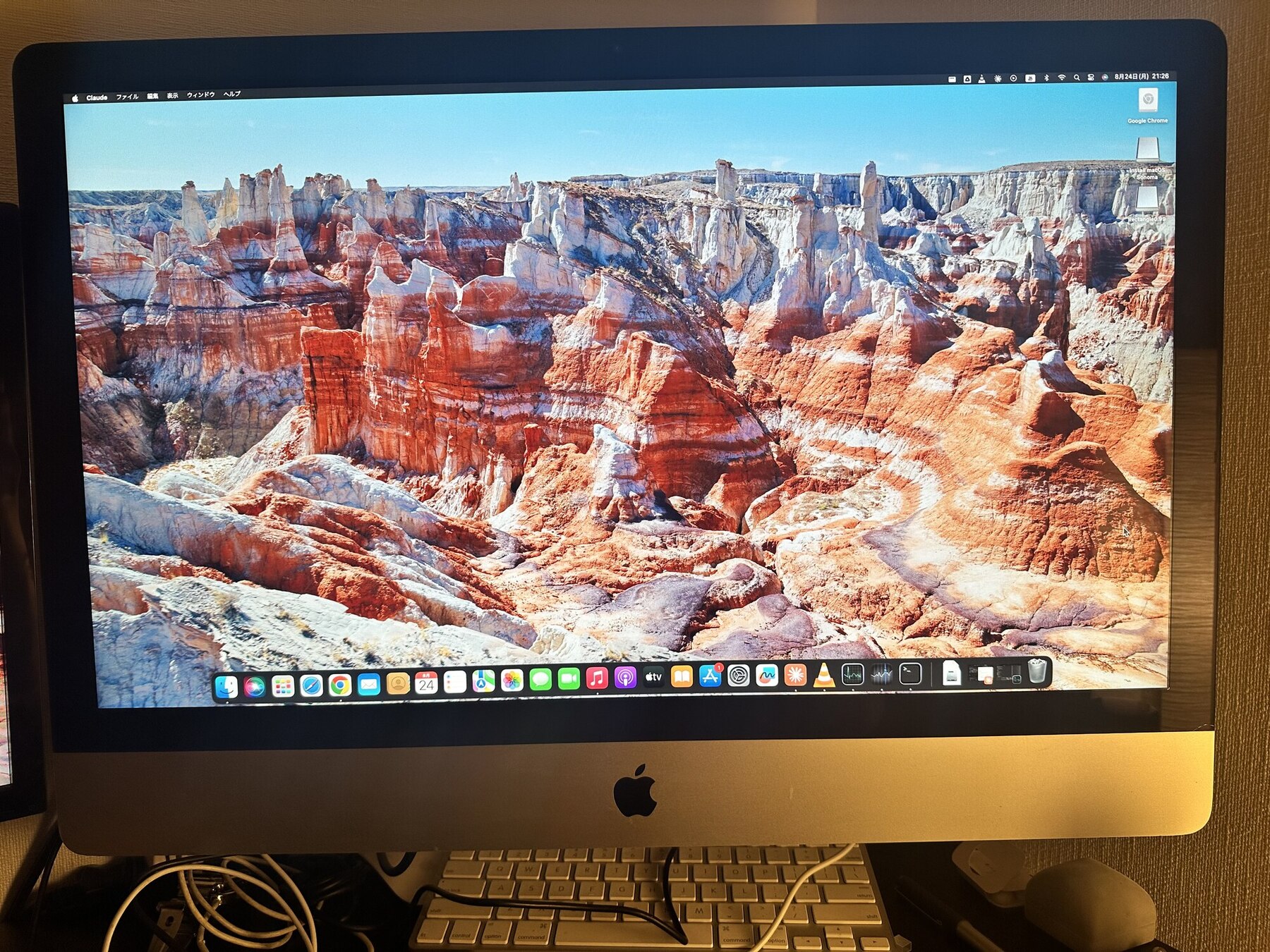
Now I had a two-screen setup: 27-inch iMac plus 24-inch Acer. I genuinely did not expect to end up here.
Chrome, Canva — and Claude Code
On the finished setup, Chrome and Canva run like the old heaviness was imagined. Suno, which wouldn’t install before, went on without a fuss. That would have been more than enough — but I tried Claude Code too, and it runs fine.
And to give the game away: this post itself was written on that iMac, using Claude Code. On a machine I’d written off 13 years in, I’m making new posts.
It made me really happy
I thought it was unusable. It turned out to be this usable — with two screens, no less. That’s honestly a different kind of satisfaction than buying something new.
The takeaway: try it first
After the OS upgrade, the RAM, and the monitor, this 13-year-old iMac is comfortably good enough for my work. Buying new is fine. But if you have something sitting around that you assume is dead, it’s worth one try before you bin it or replace it. If it doesn’t work out, replace it then. This one still had plenty left.
What I actually used
OpenCore Legacy Patcher (OCLP)
Free, open-source. Used to install macOS Sonoma on an unsupported machine.
RAM upgrade (8 GB → 24 GB)
To clear the memory pressure. A bad seat stopped it booting once; reseating fixed it.
Mini DisplayPort–to–HDMI cable
To connect the iMac’s Mini DisplayPort output to the Acer monitor’s HDMI input.
Acer 24-inch monitor
The external display for the two-screen setup.
Products mentioned
Timetec Premium 8GB DDR3L 1600MHz PC3L-12800 Mac対応 SODIMM(1.35V・8GB×1枚)
An 8GB DDR3L-1600 / PC3L-12800 module I actually used to upgrade this iMac.
The one I use
Amazonベーシック Mini DisplayPort - HDMI 変換ケーブル 1.8m ブラック
A 1.8m Amazon Basics Mini DisplayPort-to-HDMI cable I actually used to connect this iMac to an external display.
The one I use
As an Amazon Associate, A Pretty Good Life earns from qualifying purchases.